一、创建新用户
为了错配导致 root 锁死,导致再也无法登录服务器导致报废,务必先创建一个拥有 root 权限的新用户。
1 | # 1. abcdefg 处改为任意指定用户名 |
正常输出 root,说明新建用户成功。
在你 adduser deploy 的时候,Ubuntu 会一口气问一堆东西:
1 | Full Name []: |
这些统统都是写进用户信息里的“说明文字”,属于 GECOS 字段,给人看的,不是给系统用的。反复回车跳过就好。
二、给 root 用户安装 Google Authenticator PAM
切回 root 直接安装。
1 | su - root |
执行命令。
1 | google-authenticator |
之后会蹦出来一个二维码,用 Google Authenticator 扫一下。然后会一堆问题,全部 y 就好。
做完了去编辑 /etc/pam.d/sshd,追加下列设置在其它 auth 行之前。
1 | auth required pam_google_authenticator.so nullok |
然后编辑 /etc/ssh/sshd_config,确保(或者追加/修改)以下几行存在且为 yes,如果行前有 # 号,把 # 去掉:
1 | UsePAM yes |
全部做好了以后,重载一下。
1 | systemctl reload sshd |
或者:
1 | systemctl restart sshd |
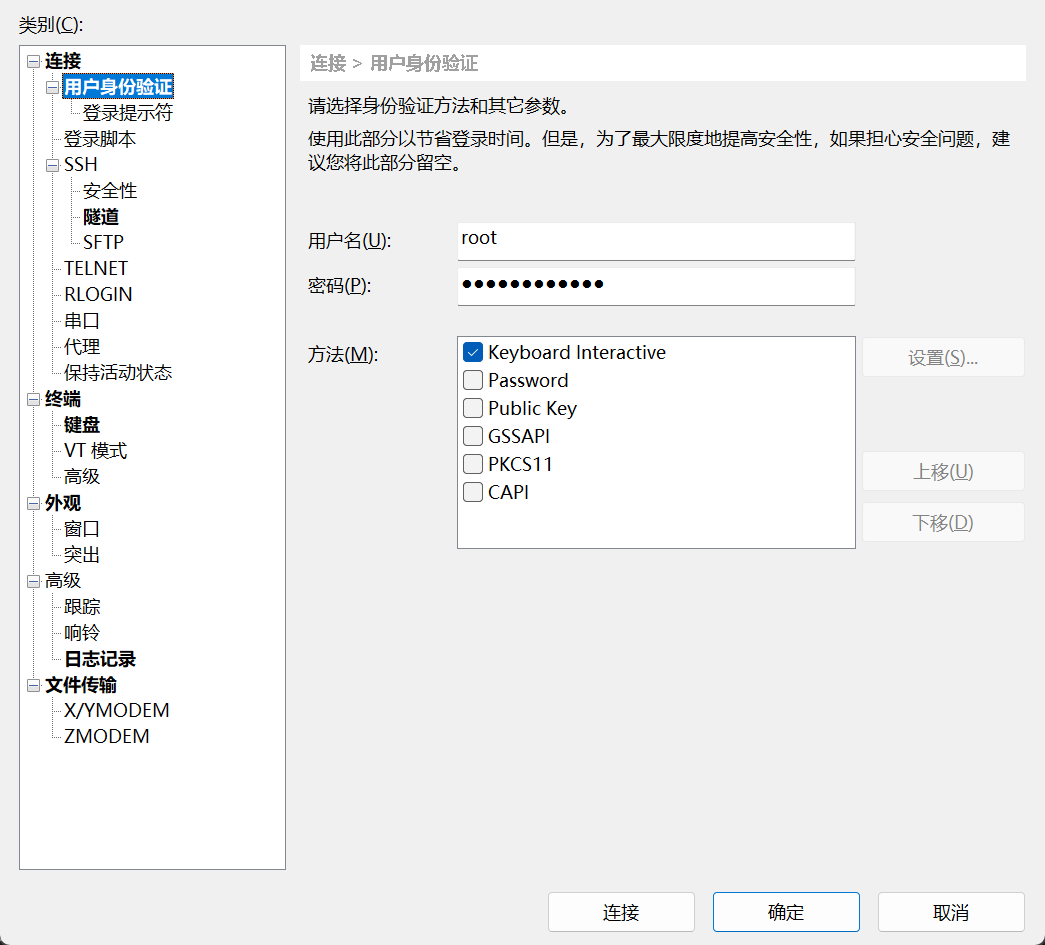
做完了以后,去将 root 用户的登录认证改为 Keyboard Interactive,我使用的是 Xshell。
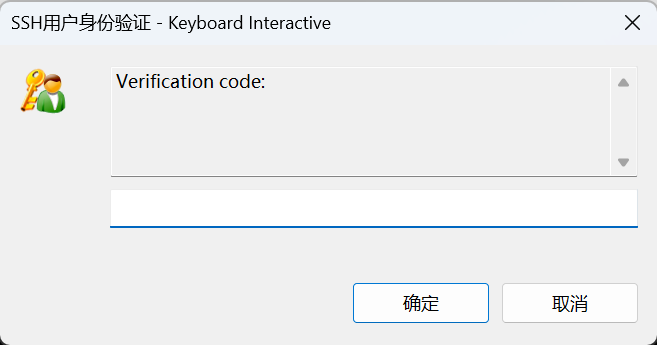
登录后会弹窗让你输入验证码,输入就能登录成功。